Configurable by risk
Turn SSN, government ID, liveness, phone, email, address, OFAC, adverse media, signature, and custom data on per request or by group default.
 Mojo Verify
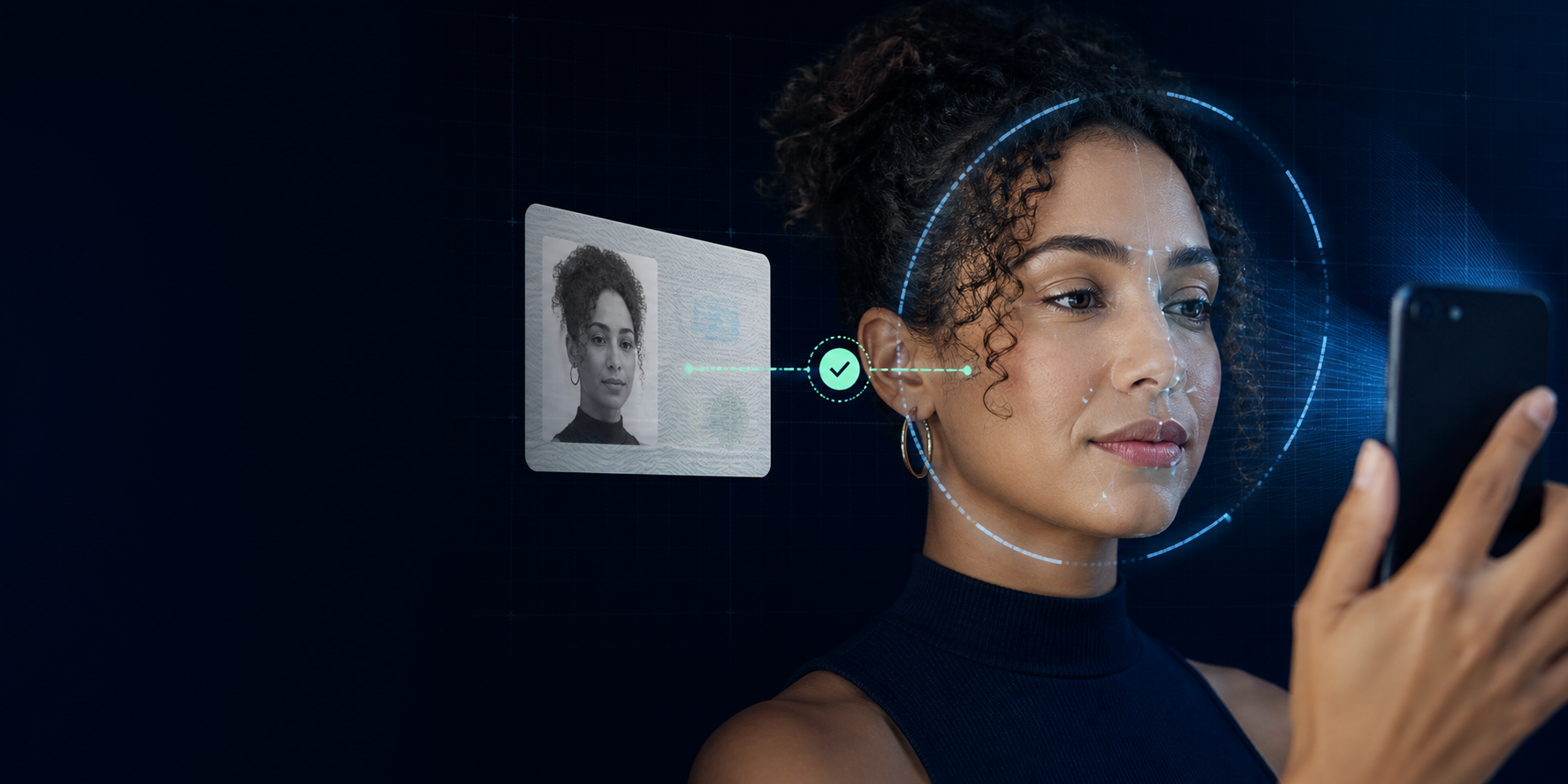
Government ID + liveness + face match
Make it easy to capture a government ID, prove the person is live, and match that person to the portrait on the document.
One verification request can orchestrate
01 / Orchestrate
Configure each verification request around the risk of the moment. Mojo Verify guides the person, runs the required checks, and returns one coherent result.
Verification request · vrf-A91K
Verification completed
Turn SSN, government ID, liveness, phone, email, address, OFAC, adverse media, signature, and custom data on per request or by group default.
See completed checks, confidence, risk level, trust level, and KYC level without stitching together a stack of unrelated results.
Signed, PII-free completion and failure webhooks tell your system when to move. Fetch details server-to-server only when needed.
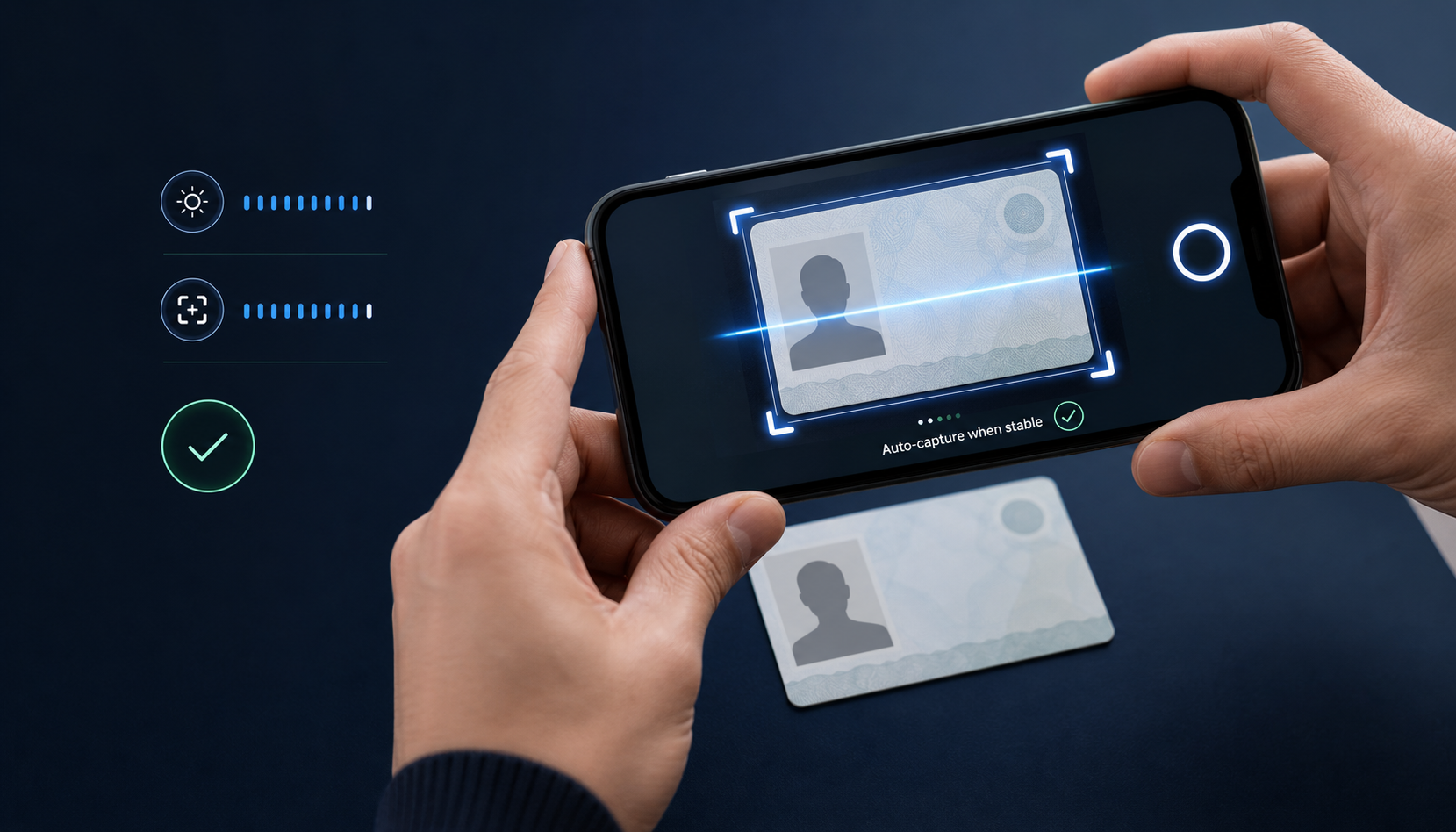
02 / Identity Capture
Real-time guidance checks document position, fill, brightness, sharpness, and stability before auto-capture. Desktop users move to mobile with a QR handoff instead of fighting a laptop camera.
03 / Liveness
A guided check establishes that a real person is present, measures liveness confidence, and can compare the live face against a reference document or known identity.
04 / Verified Signing
A signature says someone agreed. Mojo Verify establishes who that someone is first. Capture the signer’s government ID, prove they are live, match them to the ID, then allow the document to be signed.
IDENTITY VERIFIEDLive face matched05 / Experience
People know what to do next. Your system always knows what happened.
Email, SMS, both, or your own delivery.
Identity document and optional liveness.
Run the required identity and risk signals.
Confidence, risk, KYC level, and receipt.
Signed webhook with no PII in transit.
06 / Portable KYC
Individuals can carry their verification level to participating partners. Businesses receive the KYC tier and completed-check status—not raw ID images, SSNs, or biometric media.
Access can be revoked
07 / Developer experience
Create the checks you need, send the person the returned link, and let signed terminal events drive the next action.
Read the developer docsPOST /api/verify/requests/create
Authorization: apikey mvs-••••••••
{
"first_name": "Alex",
"last_name": "Morgan",
"require_gov_id": true,
"require_liveness": true,
"require_ofac": true,
"notification_method": "both"
}verification.completedsigned · no PIITrust starts with knowing who is there
Tell us where trust breaks in your flow. We’ll help you configure the right proof, user experience, and integration path.